AI agent environment provides a development space for AI agents to build and version the app. It includes a dev service with the code repository and necessary development tools, a staging service, a low-resource database, a cache store, an object storage, and a search engine.
Taking ownership of the AI Agent environment
Clone the template repositories
Fork or clone the following to your local machine or GitHub account:
Prerequisite: check authorization
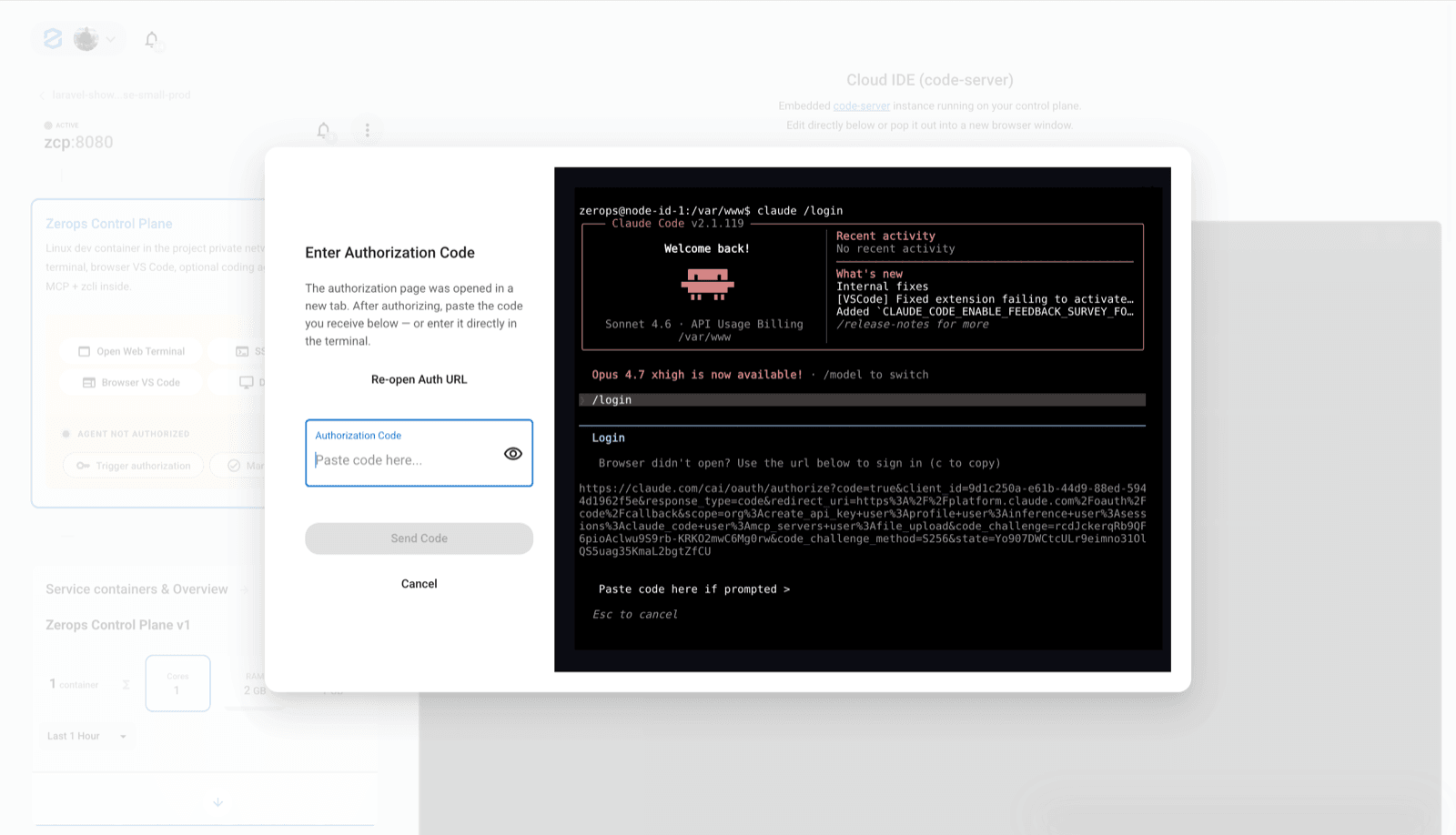
After you deploy the AI Agent environment, an authorization dialog should appear.
Complete the Claude Code authorization before continuing. This is separate from your Zerops access token and uses your own Claude Code subscription or API credentials.
1. Open your ZCP workspace
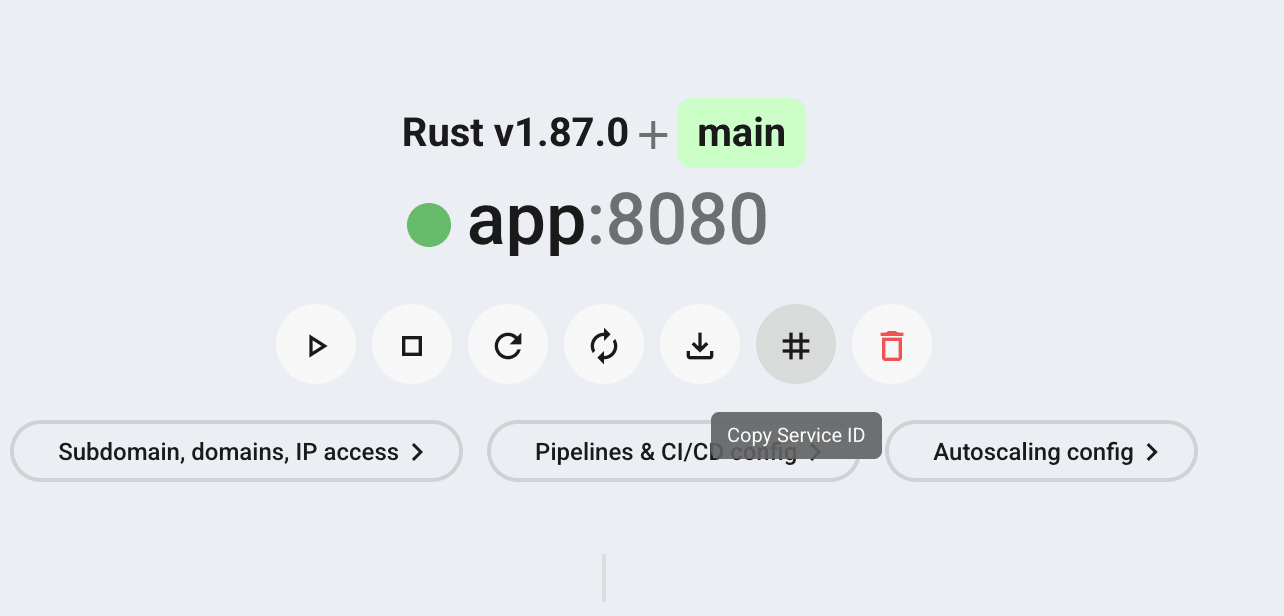
The deployment creates your app services and a zcp@1 workspace.
The agent, terminal, and browser IDE run inside the ZCP service. Your app still runs in the app services, not in the ZCP workspace.
2. Start in the browser IDE
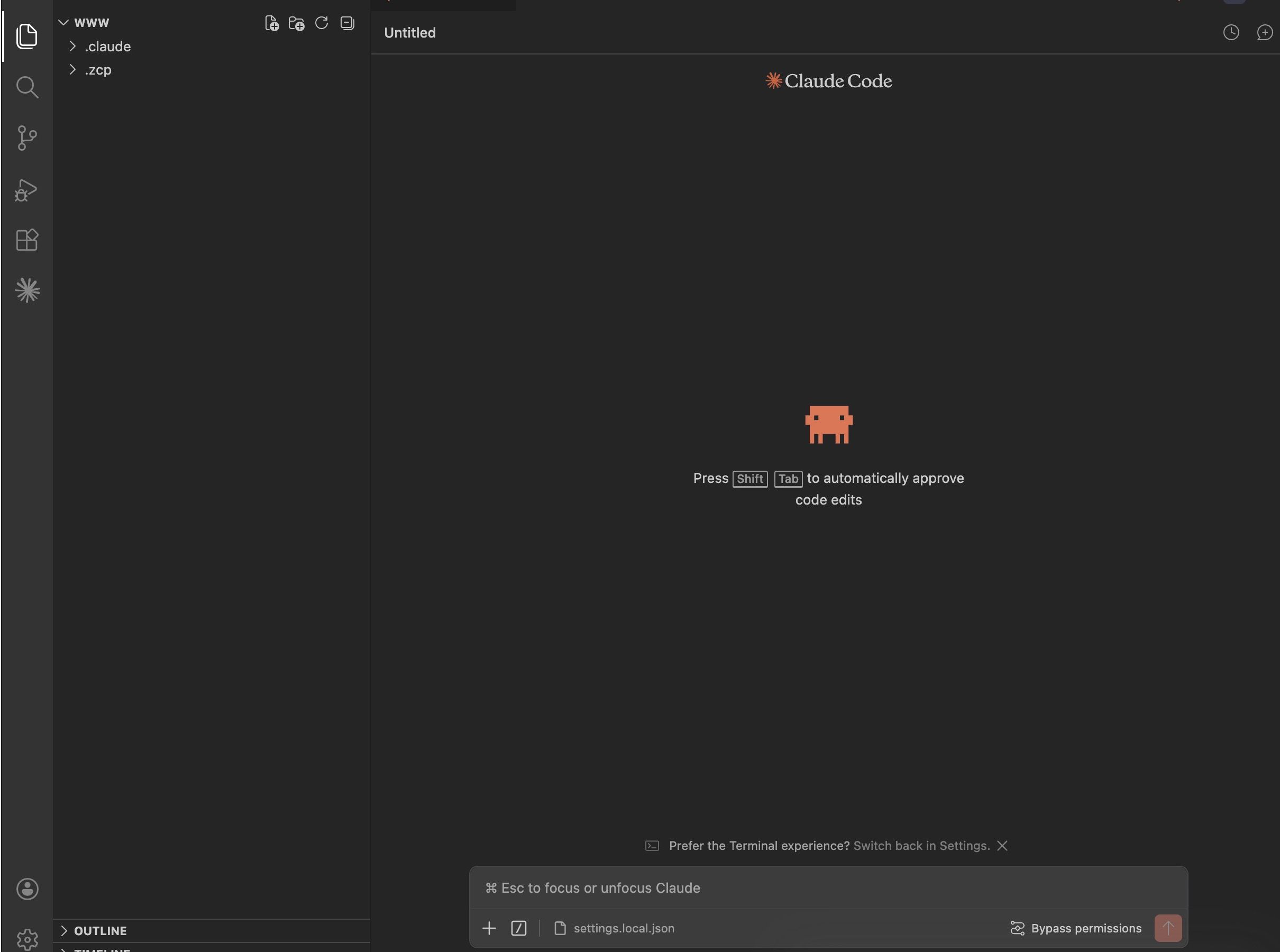
The fastest way to work with the agent is to open the browser IDE from the ZCP service.
- No local setup is required.
- The agent runs close to your Zerops project.
- It can inspect project context and use available MCP tools.
- After the agent makes a change, open the app URL and verify the result.
3. Connect from your local IDE or terminal
If you prefer local tooling, connect your machine to the Zerops project network.
Install zCLI and log in:
npm i -g @zerops/zcli
zcli login <personal-access-token>
Start the VPN:
zcli vpn upConnect to the remote service:
ssh -A <service-name>.zerops4. Work with the dev/stage flow
Use the development environment for fast iteration with the agent. Use staging to verify the result before moving toward production.
Typical flow:
- Ask the agent for a focused change.
- Review and test the result.
- Push the change to your repository or deploy with
zcli push. - Verify the result in staging.
- Continue with the production guide when ready.
5. Move toward production
When the staging version is ready, finish the production setup:
- configure the deployment pipeline
- set up your domain
- check logs and runtime behavior
- configure backups if the recipe includes a database
- review scaling settings before real traffic arrives
Deploy more environments
Knowledge Base
PHP+Nginxappdevappstageworkerstage
zerops-recipe-apps/laravel-showcase-appGotchas
- No
.envfile — Zerops injects environment variables as OS env vars. Creating a.envfile with empty values shadows the OS vars, causingenv()to returnnullfor every key that appears in.enveven if the platform has a value set. - Cache commands in
initCommands, notbuildCommands—config:cache,route:cache, andview:cachebake absolute paths into their cached files. The build container runs at/build/source/while the runtime serves from/var/www/. Caching during build produces paths like/build/source/storage/...that crash at runtime with "directory not found." APP_KEYis project-level — Laravel's encryption key must be shared across all services that read the same database (app + worker both need the same key for sessions and encrypted columns). Set it once at project level in Zerops; do not add it per-service or inzerops.yaml envVariables.- PDO PostgreSQL extension — The
php-nginxbase image includespdo_pgsqlout of the box. NoprepareCommandsorapk addneeded for PostgreSQL connectivity. - Predis over phpredis — The
php-nginxbase image does not include thephpredisC extension. Use thepredis/predisComposer package and setREDIS_CLIENT=predisto avoid "class Redis not found" errors. - Object storage requires path-style — Zerops object storage uses MinIO, which requires
AWS_USE_PATH_STYLE_ENDPOINT=true. Without it, the SDK attempts virtual-hosted bucket URLs that MinIO cannot resolve.
Related platform & services docs
Related Recipes
More recipes with similar technologies and categories.

Laravel minimal
A Laravel application connected to PostgreSQL, running on Zerops with six ready-made environment configurations — from AI agent and remote development to stage and highly-available production.

PHP Hello world
A minimal PHP application paired with PostgreSQL on Zerops, demonstrating database connectivity, idempotent migrations, and six ready-made environment configurations spanning the full development lifecycle.

WordPress
Production-grade WordPress on Zerops — Composer-managed core, an isolated web root, a Redis object cache, S3-backed media, and real cron. A 12-factor take on WordPress, wired natively into the platform.

Go Hello World
Go recipe for Zerops — a minimal HTTP server backed by PostgreSQL, showcasing idempotent database migrations, environment-variable-driven configuration, and the complete set of Zerops infrastructure patterns across six ready-to-deploy environment configurations.